Stays on your phone
Removal and editing run on your device. Your photos are never uploaded to us.
Lift people, products and pets off any photo. Free on Android.
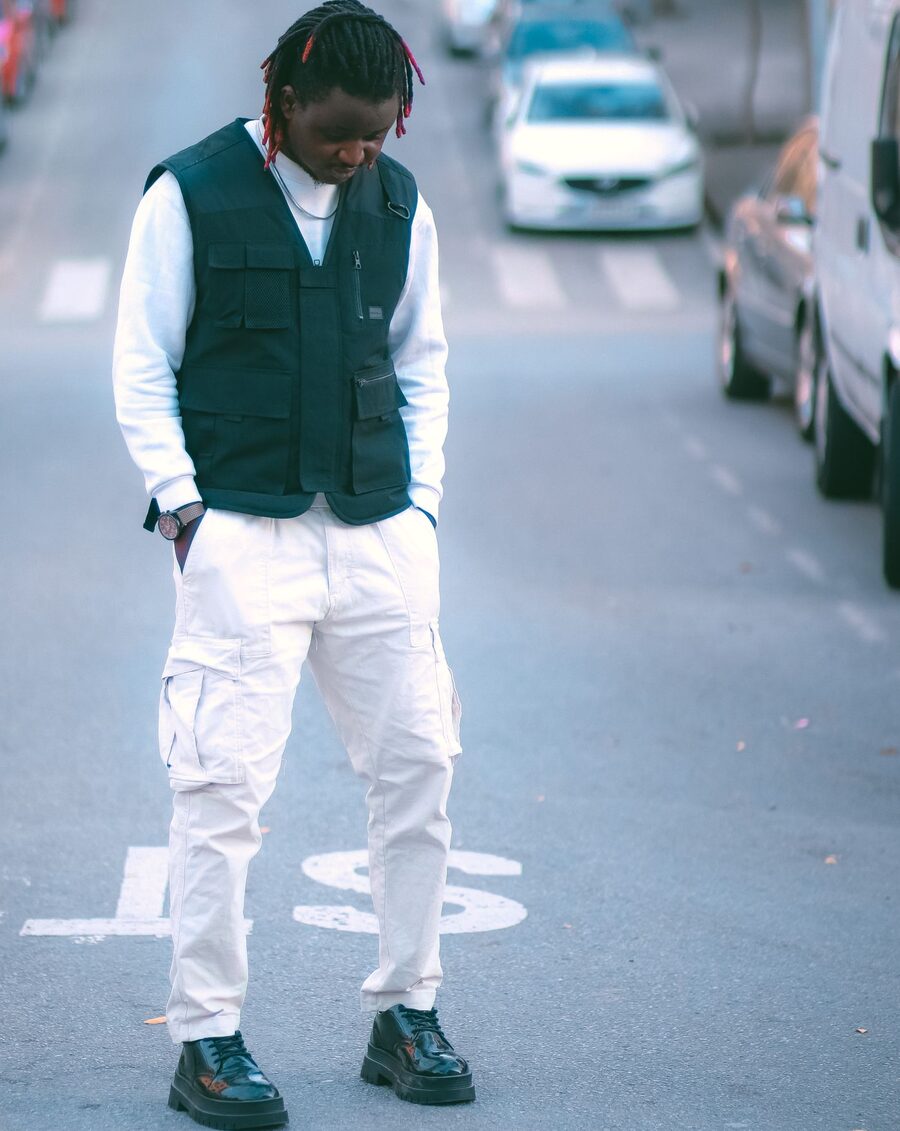
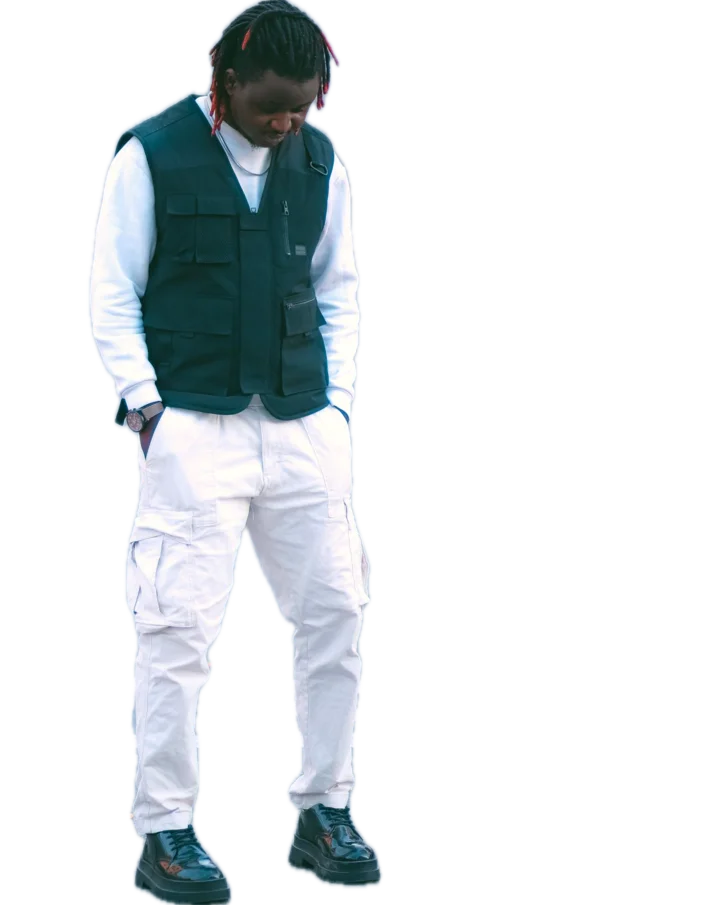
Drag the line to compare
Fresh
drop.
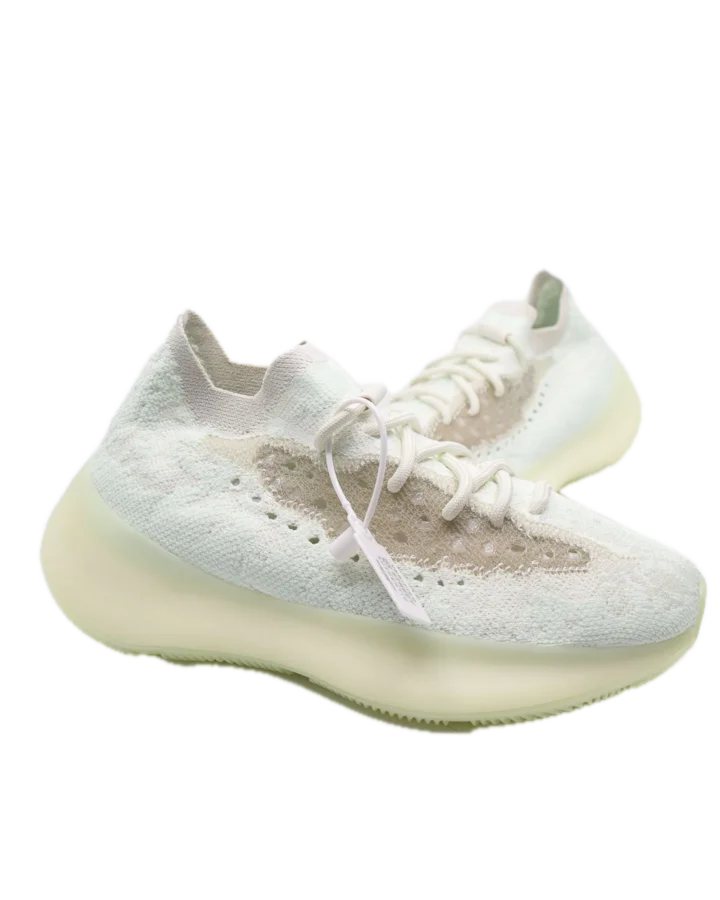
Backdrop colours, an outline and text. Pinch to resize, twist to rotate.
Pick 480p, 720p or 1080p. PNG keeps the background clear, JPG keeps files small.
The same crop of one photo, saved at each size. Enhance 4× can sharpen a small photo further, right on your phone.


 1080p
Removal and editing run on your device. Your photos are never uploaded to us.
An on-device AI upscaler for small or soft photos.
Transparent PNG for stickers and stores, JPG for quick shares.
Your last saves wait in the app, ready to share again.
Follows your phone, or pick one in Settings.
One small purchase removes them for good. No subscription.
One-time purchases on Google Play. Prices may vary by country.
$0
With ads
$1.99
Once, keep it forever
$2.99
Once, keep it forever
No. Background removal and editing happen on your phone. We do not run servers that receive your photos.
Editing and saving work offline. On the free plan, removing a background needs a connection, and offline saves get a small corner mark.
A clear subject: a person, a product or a pet. Busy scenes with many overlapping things are harder, so results can vary.
Sign in with the same Google account, open Settings in the app and tap Restore purchases.
Not yet. BG Remover is on Android for now.